





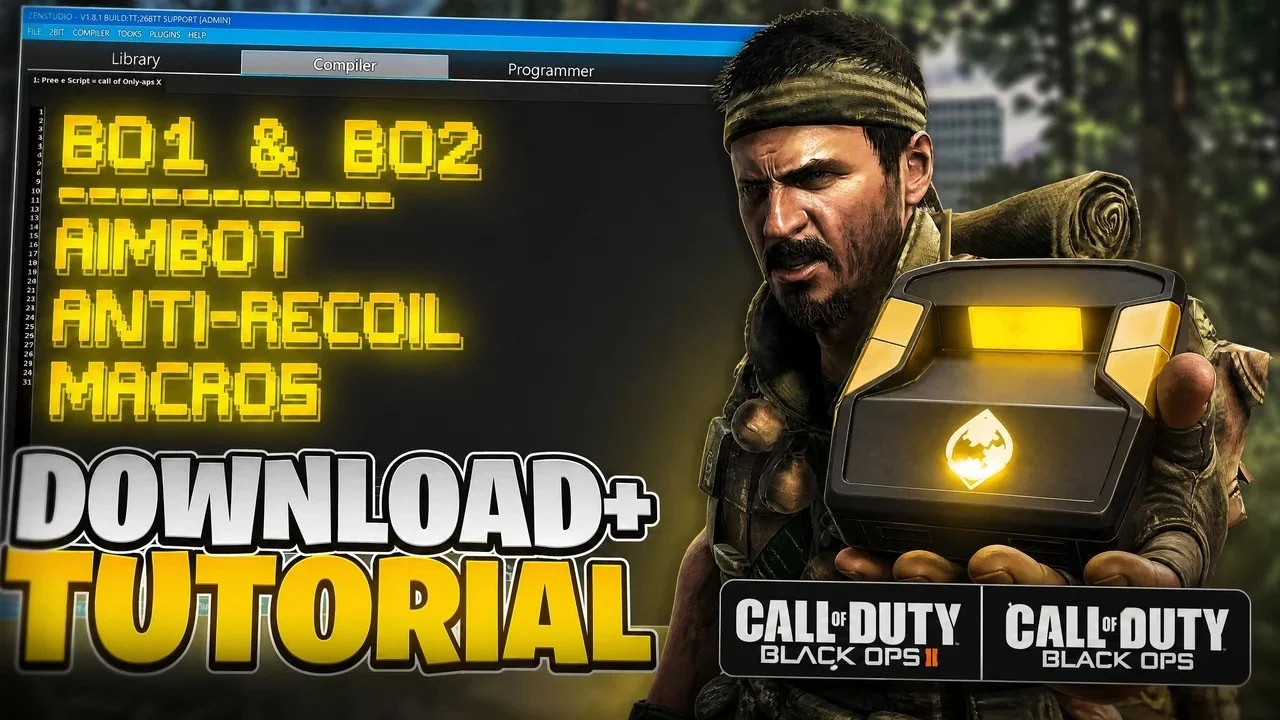
Every public Vera Rewind build for Black Ops 1 / 2, newest first, with the notes that shipped with it. Updates are free and install from the browser in about a minute. This page is generated from the same release registry the installer uses, so it is always current.
Rewind V2.0.1 (2026-09-30)
Rewind V2.0.1: the menu now opens instantly with View + Menu. Settings carry over.
- The menu now opens instantly: press View + Menu (Create + Options) together, the same as Fadeaway.
- Everything else plays the same. Your settings carry over. Re-flash to update.
Vera Rewind V2.0 (2026-09-29)
Rewind 2.0 works like Demon and Reaper: the same menu, 3 profiles and the Vera look, with every Black Ops and Black Ops II gun and Rewind's recoil values.
- Same menu and buttons as Demon and Reaper, with 3 profiles: Primary, Secondary and Universal. The loadouts and P5 L1 W1 labels are gone.
- Pick your gun on the Anti Recoil page: set Game (Black Ops or Black Ops II), then Weapon. Every gun keeps its Rewind 1 recoil values.
- Aim assist, rapid fire, quick scope, hold breath, reload cancel, drop and jump shot, auto sprint and fast melee work as in Rewind 1.
- New: Basic, Advanced and Expert anti-recoil, drift calibration, custom button layout and quick toggles.
- The VERA logo spins at start, with a starfield idle screen and Fadeaway-style menus.
- New save format: the first start loads the 2.0 defaults. Rewind 1 settings do not carry over.
Vera Rewind V1 (2026-07-23)
Vera Rewind V1, the previous build, kept in the picker as a fallback.
- The free BO1 and BO2 script: aim, recoil, fire and movement helpers with saved loadouts.
How to update
Plug the Zen into a PC with the USB cable, open the Vera Rewind page, and install the current build from the browser. Nothing is downloaded to the PC and your saved profiles carry over between builds. If the device is not detected, the setup guides cover cables, ports and firmware. Help is in the Discord.
How this page is built
Every entry above comes from the release registry that the installer itself reads, so a build appears here the moment it is available to install and never before. Dates are the day the build went live. Version numbers match the label the Zen shows after an install. When Black Ops 1 / 2 patches, the next build lands here with its notes on the same day it ships, which is the fastest way to confirm that Vera Rewind has been rebuilt for the current patch.
Frequently asked questions
Where do I get the current Vera Rewind build?
On the Vera Rewind page at verascripts.com/rewind. Plug the Zen into a PC and install from the browser.
Are Vera Rewind updates free?
Yes. Every one-time purchase includes updates for the life of the product.
How do I know which Vera Rewind version I have?
The installer shows the build it wrote, and the device label on the Zen matches the version listed here.