
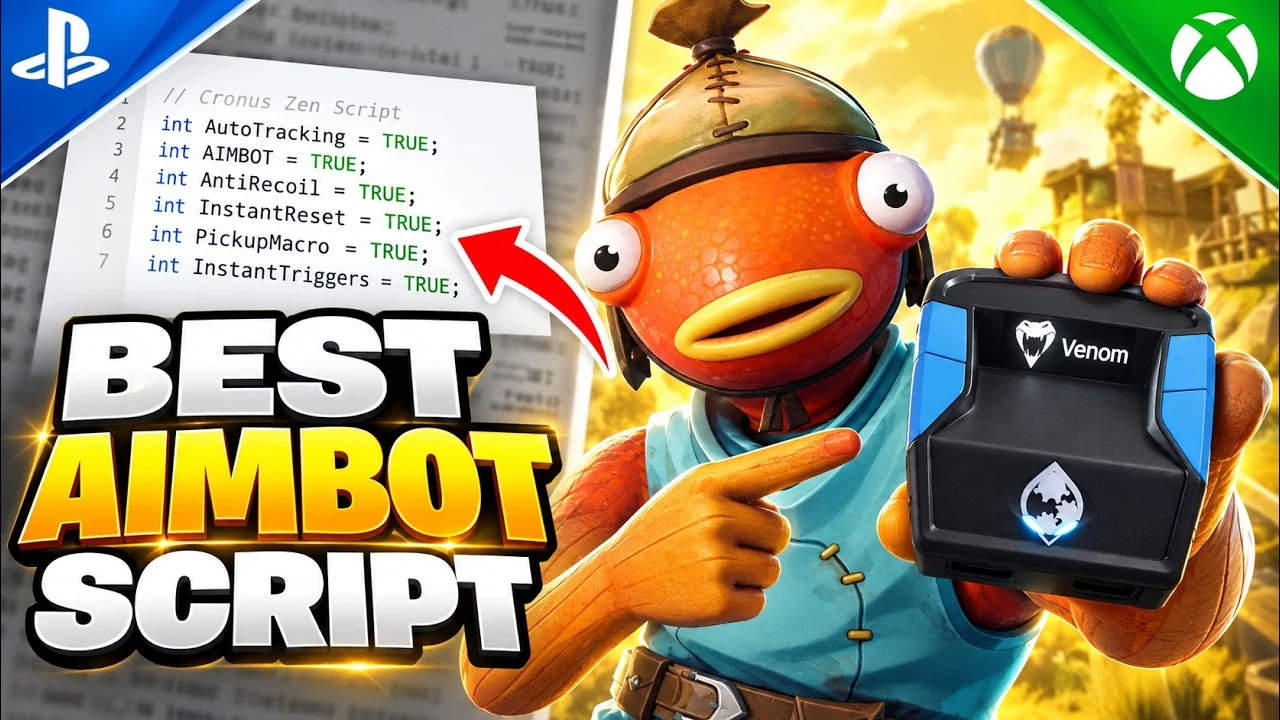
Short answer: yes, with a supported setup. Compatibility depends on the current Zen firmware, controller authentication method, game, and console software. Check the latest requirements before connecting rather than relying on an older bypass video.
What you actually need
Three things and that’s it:
- A Cronus Zen on firmware v5.0 or newer (older firmwares had a short window where Sony’s controller handshake refused them; that’s fixed)
- A wired DualSense (or any licensed PS5 controller) to plug into the Zen’s Input port
- A USB-A to USB-C cable from the Zen’s Output port to the front of the PS5
No software is installed on the console. The Zen handles controller input between the pad and the PS5, but that does not guarantee compatibility with every game or exemption from platform rules.
Step-by-step setup (3 minutes)
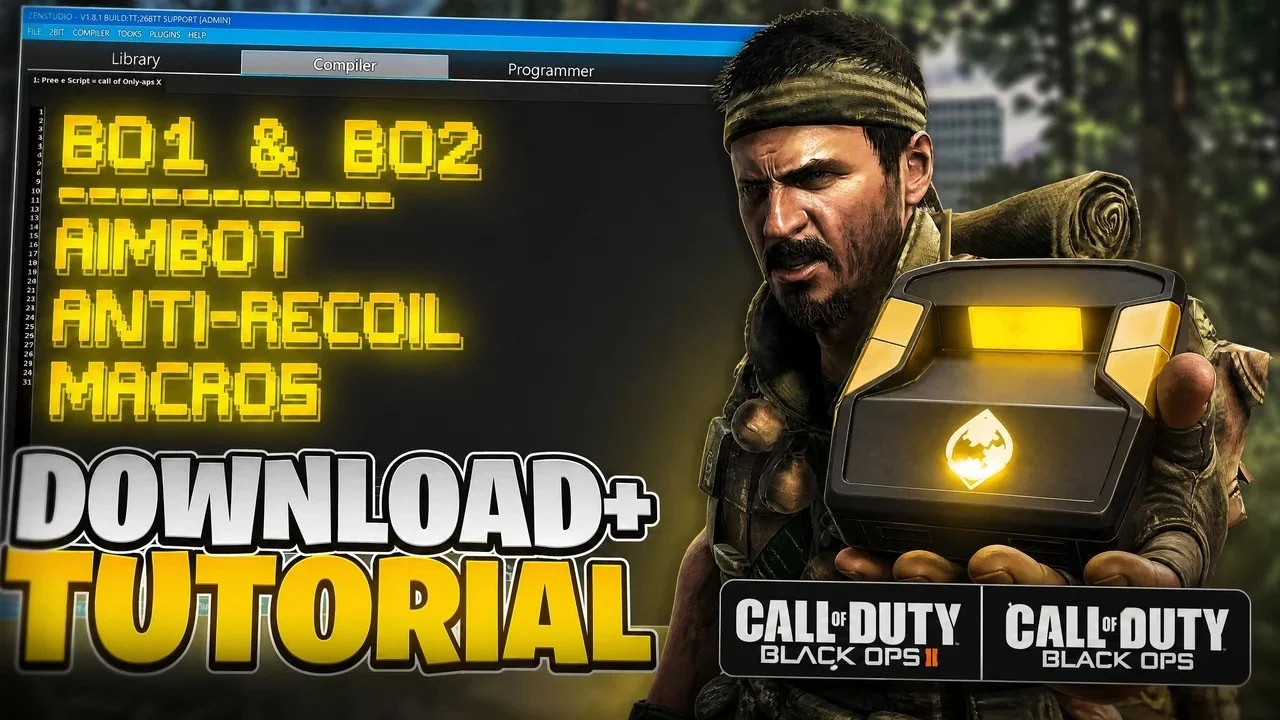
- Plug the Cronus Zen into your PC with the included cable and open Zen Studio. Update firmware if it prompts.
- In Zen Studio, set the Output to Sony PS5 and click apply.
- Unplug the Zen from PC. Connect your DualSense to the Zen’s Input. Connect the Zen’s Output to the PS5’s front USB.
- Press the PS button on the controller. It wakes the PS5 and pairs in ~2 seconds.
That’s the bypass. Flash a script to slot 1, set slot 1 as the default in Zen Studio, and it runs as soon as the controller connects.
What trips people up on PS5
1. The “5 minute controller timeout”
Sony added a rule that wired controllers need to be re-handshaken every few minutes. On Zen, this is handled automatically by the firmware since late 2024, you won’t notice it unless you’re on a pre-v5 firmware. Update and it goes away.
2. Old bypass videos
If you’re following a 2023 YouTube guide that tells you to run “PS Remote Play” first or flip some USB protocol option, stop. None of that is needed in 2026. A fresh Zen out of the box plus the current firmware just works.
3. Charging vs data ports
The PS5’s front USB-A is a full data port, that’s the one you want. The Type-C on the front is data too but you’d need a C-to-A cable the other way which most people don’t have. Stick with the USB-A.
Which games matter for PS5 in 2026
Support differs by game and can change after console, firmware, or title updates. Confirm the current game profile and connection requirements in our guides before flashing.
Bottom line
Our supported scripts include PS5 configurations, and the dashboard shows the current release and setup guidance. If a system update changes the connection flow, use the latest guide or contact support before troubleshooting from an old video.